Overview
If you have forgotten your D2L Brightspace password, you can reset it through the system at any time. If you have any issues with resetting your password, please contact IT by opening a ticket a Helpdesk ticket.
Instructions
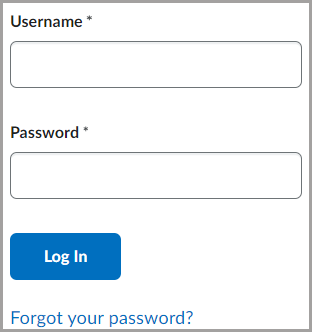
First, navigate to the D2L Brightspace home page at https://mghinstitute.desire2learn.com . Click the Forgot your password? link on the D2L Brightspace log in page.
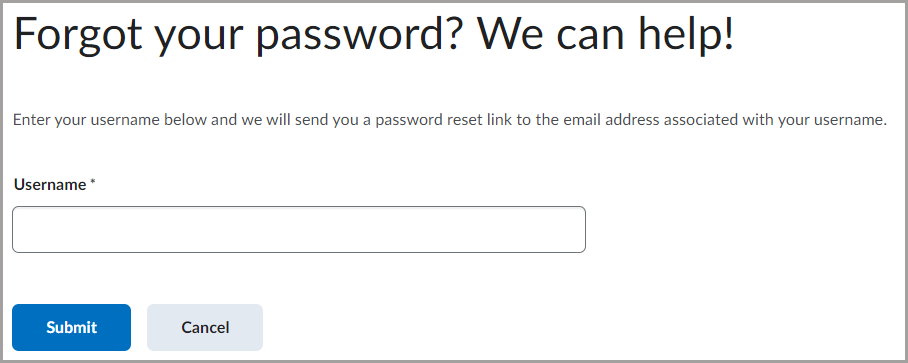
On the next screen, enter in your D2L Brightspace username and click Submit. Note, if you enter in an incorrect username, you will not receive the password reset email.
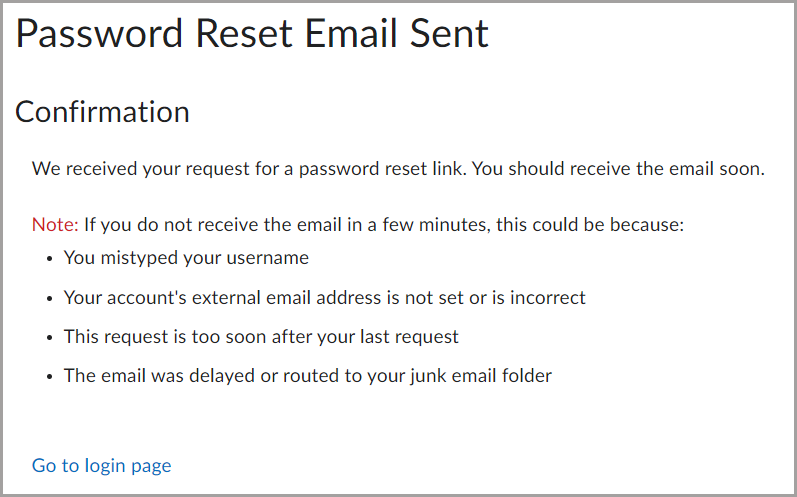
This will bring you to a confirmation page. You should receive an email to the address that is listed in your D2L Brightspace account. This will be your Mass General Brigham University email in most cases.
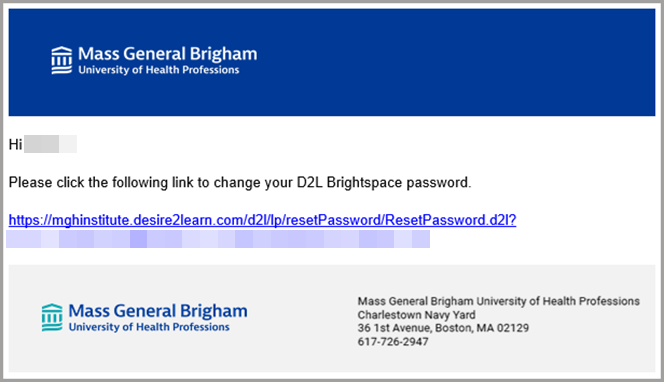
From the password reset email, click the link to change your D2L Brightspace password.